
How to Make a Birthday GIF in 2026: From Photos to a Personal Loop
Category: Happy Birthday GIF
A generic birthday GIF from a search keyboard works, but everyone in the family chat has seen it. A loop made from your own photos or a ten-second clip lands differently: it is personal, it cannot be confused with a forwarded template, and it takes less time to make than picking a card in a store. In 2026 the tooling is free and the whole job fits in five minutes.
The recipe below works with any combination of phone photos, a short video, or a screen recording. The only decisions that matter are the source material, the frame size, and where the GIF will be sent, because each messenger has its own size habits.
Pick your source: photos, clip, or screen recording
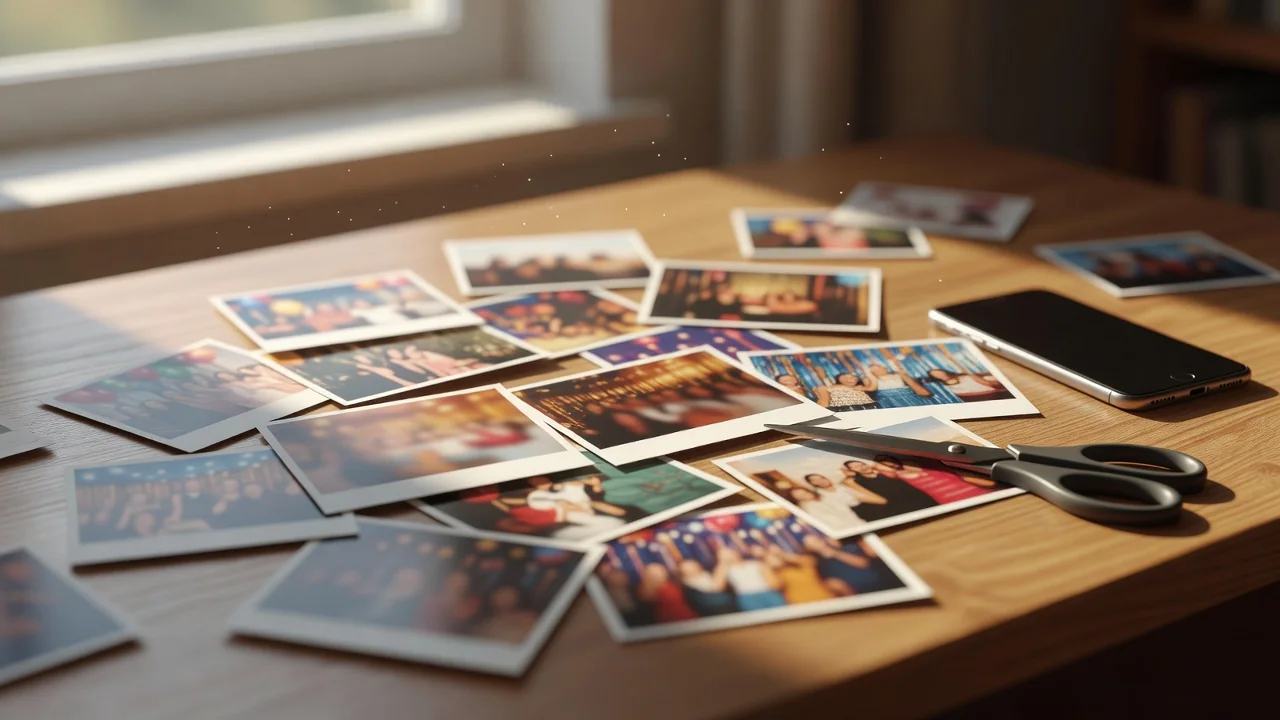
Three kinds of raw material turn into good birthday GIFs. A burst of five to eight photos from the same moment, blown candles, a laugh, a toast, makes a stop-motion loop with real charm. A short video clip of three to six seconds converts cleanly and looks smoother. A screen recording is the underrated option: record yourself writing the person's name in a drawing app and the loop literally spells the greeting.
Whatever the source, keep the action small and centered. Wide scenes with lots of movement turn into visual noise at thumbnail size, and thumbnails are where birthday GIFs live: the chat preview is rarely wider than 300 pixels.
The five-minute workflow in Ezgif
Ezgif remains the fastest free path in a browser, no account needed. The sequence is the same for photos and video: upload, trim, resize, add text, export. On desktop, ScreenToGif on Windows and Kap on macOS do the same job offline, and both record the screen directly if that is the source.
- Upload the photos or clip to the GIF maker and set the frame delay, 80 to 120 ms per frame reads naturally for photo bursts.
- Trim video to a single gesture: the wish, the candle blow, the confetti pop.
- Resize to 480 pixels on the long edge; bigger adds megabytes without visible gain in chat.
- Add text last so it sits on the final frames, and keep it under six words.
- Export and check the loop seam, the jump between last and first frame.
Text and stickers without ruining the loop
Captions make a birthday GIF, and they also break most of them. The failure mode is text that flashes for one frame and disappears. Set the caption to span the whole loop or at least the final two-thirds, use a high-contrast outline, and place it where the background is calm. Balloon and confetti stickers from the tool's library are fine in moderation; two moving elements is the ceiling before the loop gets restless.
Sizes and limits for WhatsApp, iMessage, and Telegram
Each messenger treats GIFs differently, and knowing the habits saves a broken send. WhatsApp converts anything over a few megabytes to video silently, which kills the loop count. iMessage keeps real GIFs but shows them small. Telegram handles big files best and loops them inline without conversion.
| Messenger | Comfortable GIF size | Behavior with heavy files | Best frame size |
|---|---|---|---|
| under 2 MB | converts to muted video | 480 px | |
| iMessage | under 5 MB | shows as small attachment | 480 px |
| Telegram | up to 10 MB | loops inline, no conversion | 640 px |
| under 1 MB | first frame only in some clients | 400 px |
Mistakes that make birthday GIFs look cheap
The first is starting from someone else's GIF. Re-encoding a compressed loop compounds artifacts, and the result looks washed out next to a fresh export. The second is a busy background: a cluttered room behind the candles steals the eye from the one gesture that matters. The third is overlong loops. Past six seconds, nobody watches to the end, and the file triples for nothing.
The subtle one is the loop seam. If the last frame and the first frame disagree, the loop snaps visibly every cycle. Trim until the action closes on itself, candles lit to candles lit, and the GIF feels endless instead of broken.

A pre-send checklist
Thirty seconds of checking separates a keeper from a deleted attachment. Play the loop three times at chat size, not full screen. Confirm the text is readable on a phone held at arm's length. Weigh the file: under 2 MB travels everywhere without conversion. And send it to yourself first in the target messenger, because that is the only honest preview of what the birthday person will see.
Done right, a personal birthday GIF outlives the day itself. Family chats pin them, they resurface the following year, and the five minutes of work turn into a small tradition.
Related GIF guides
How to Turn Photos Into a GIF Slideshow: A Warm Loop in Five Minutes
Category: Hug GIF
A photo-sequence GIF is the easiest personal animation: frame order, timing, size limits and tools.…
What Is a GIF, Really? Inside the Format That Refuses to Die
Category: GIF Guides
GIF89a, LZW, 256 colors and the patent war that spawned PNG: what actually sits inside a .gif file and why it still works everywhere.…
How GIF Compression Really Works in 2026
Category: GIF Guides
How the 1987 LZW algorithm still powers GIFs: palette quantization, frame differencing and tricks for smaller files.…