
How to Turn Photos Into a GIF Slideshow: A Warm Loop in Five Minutes
Category: Hug GIF
A folder of vacation photos sits unopened, but five of those same frames arranged as a looping GIF get watched a dozen times. The photo slideshow GIF is the easiest personal animation there is: no video, no editing timeline, just still frames in order with a delay between them. It is also the format behind the warmest loops people send, the year-in-review recap, the new puppy's first week, the hug you cannot deliver in person.
This guide covers the whole path: picking frames, setting timing, choosing a tool, and keeping the file small enough that a messenger does not mangle it on delivery.
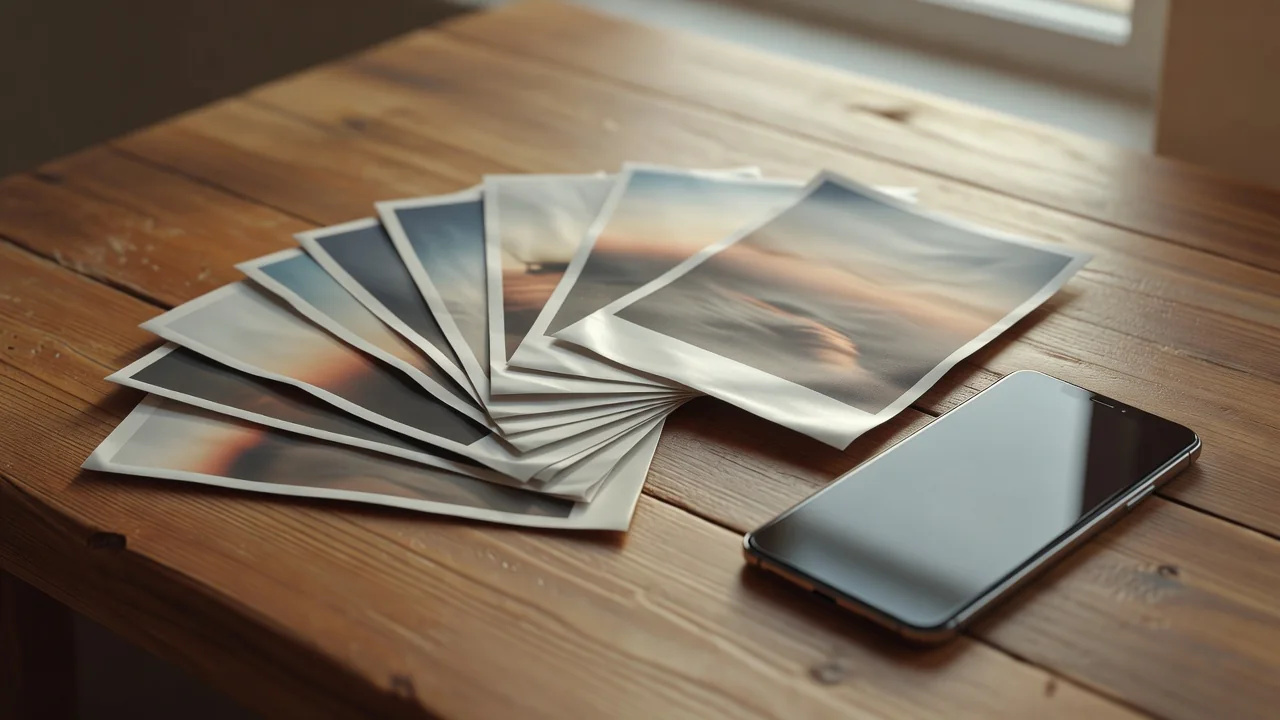
Why a photo loop beats a static album
Attention is the argument. A shared album asks the viewer to open, tap, and swipe, and most recipients stop at the third photo. A GIF plays itself the moment the chat opens, loops without input, and compresses a whole sequence into one glance. Five frames at half a second each tell a two-and-a-half-second story that nobody can fail to finish.
There is also an emotional trick unique to the format. Because the loop repeats, the viewer's brain treats the sequence as a state rather than an event: not "this happened" but "this is how it was". That is why photo-loop GIFs of people, pets, and places feel warmer than the same photos in a grid.
Choosing and ordering the frames
Five to ten frames is the sweet spot. Fewer reads as a stutter, more turns into a flipbook that nobody finishes. Pick photos with a shared framing, same room, same distance, similar light, because jumping between wide shots and close-ups breaks the illusion of motion. Within that constraint, order the frames to build: the empty table, the decorations going up, the finished cake, the first slice gone.
Crop everything to the same aspect ratio before assembling. Mixed orientations force the encoder to letterbox, and black bars on alternating frames look like a mistake, not a style.
Timing: how long each photo should stay
Frame delay is the only artistic decision in the format, and it changes the mood completely. Fast sequences at 100 to 200 ms feel energetic, almost video-like. Slow holds of 500 ms to a full second let each photo register and suit sentimental material. A mixed rhythm, quick frames through the setup and a long hold on the best shot, reads as intentional editing.
| Delay per frame | Feel | Best for | Frames for a 3-second loop |
|---|---|---|---|
| 100 ms | energetic, near-video | action, pets, kids | 30 |
| 250 ms | lively flipbook | parties, trips | 12 |
| 500 ms | calm slideshow | recaps, greetings | 6 |
| 1000 ms | slow, sentimental | memorials, hugs | 3 |
The tools: phone apps vs desktop
On the phone, Google Photos creates animations automatically from burst series, and both iOS and Android gallery apps offer a GIF export for selected photos. In a browser, Ezgif's GIF maker takes up to 2,000 files and exposes the frame delay directly. On desktop, GIMP assembles a GIF from layers for free, and ScreenToGif's editor imports image sequences with per-frame timing control.
- Fastest: Google Photos auto-animation, zero decisions, decent result.
- Most control: Ezgif or GIMP, per-frame delays, resizing, text overlays.
- Best for long sequences: ScreenToGif editor, handles 100+ frames without choking.
- Avoid: random converter sites that watermark the output or cap resolution.
Keeping the file small enough to send
Photos are heavy pixels, and a careless slideshow GIF balloons fast. Three settings keep it lean. Resize to 480 pixels on the long edge, since chat previews rarely show more. Limit the palette to 128 colors; skin tones survive it easily. And keep the loop under ten frames unless the material genuinely needs more, because every frame adds its own palette data to the file.
If the export still exceeds 3 MB, drop the longest-edge size to 360 px before touching anything else. A slightly smaller loop that plays instantly beats a crisp one that arrives as an attachment.
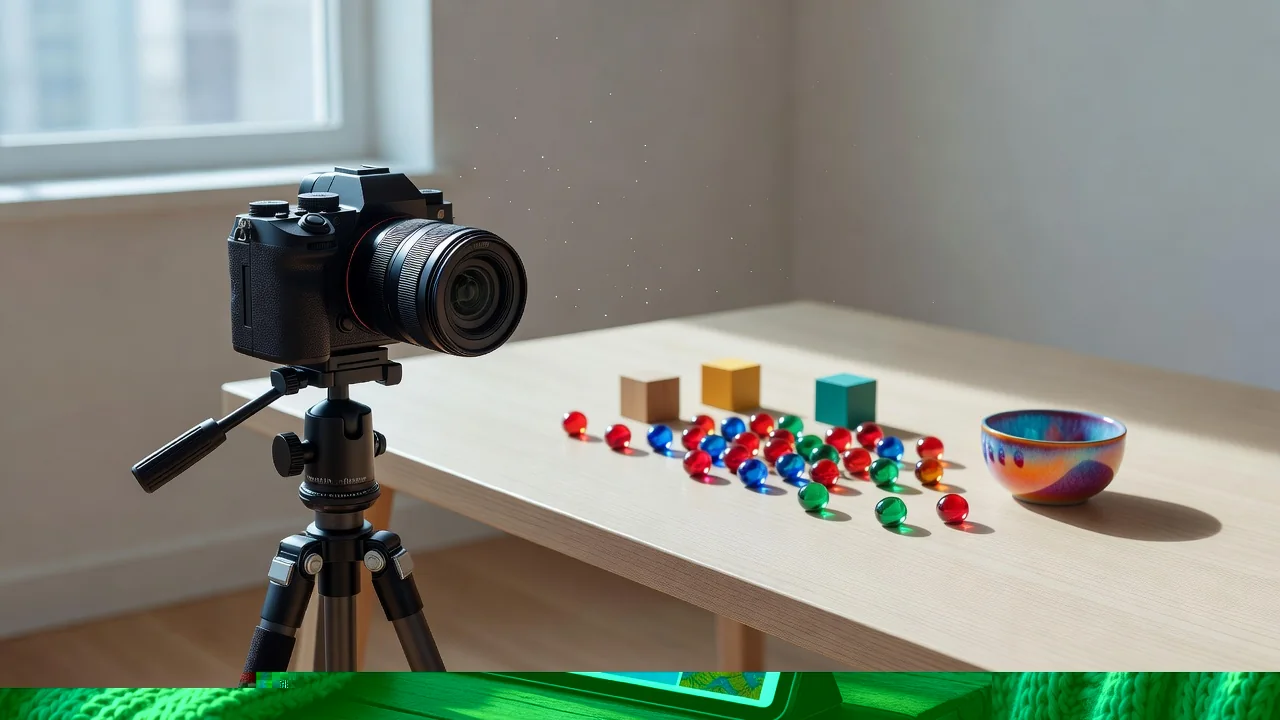
Ideas for loops that feel personal
The formats that people save and reshare share one trait: they compress time. A week with a new dog in seven frames. The same corner of the garden across four seasons. A year's worth of door selfies from a long-distance friendship, one per month. Assembly takes minutes once the photos exist, and the loop says the thing a forwarded hug sticker never quite manages: I was there, I remember, here it is again.
Start with the photos already on your phone, pick six that tell one small story, and the first loop is five minutes away. The second one is faster.
Related GIF guides
What Is a GIF, Really? Inside the Format That Refuses to Die
Category: GIF Guides
GIF89a, LZW, 256 colors and the patent war that spawned PNG: what actually sits inside a .gif file and why it still works everywhere.…
How GIF Compression Really Works in 2026
Category: GIF Guides
How the 1987 LZW algorithm still powers GIFs: palette quantization, frame differencing and tricks for smaller files.…
GIF vs WebP vs MP4: Measured Numbers and a Decision Rule
Category: GIF Guides
The same 4-second clip at 3.5 MB, 380 KB and 210 KB: where each format wins and how to choose.…