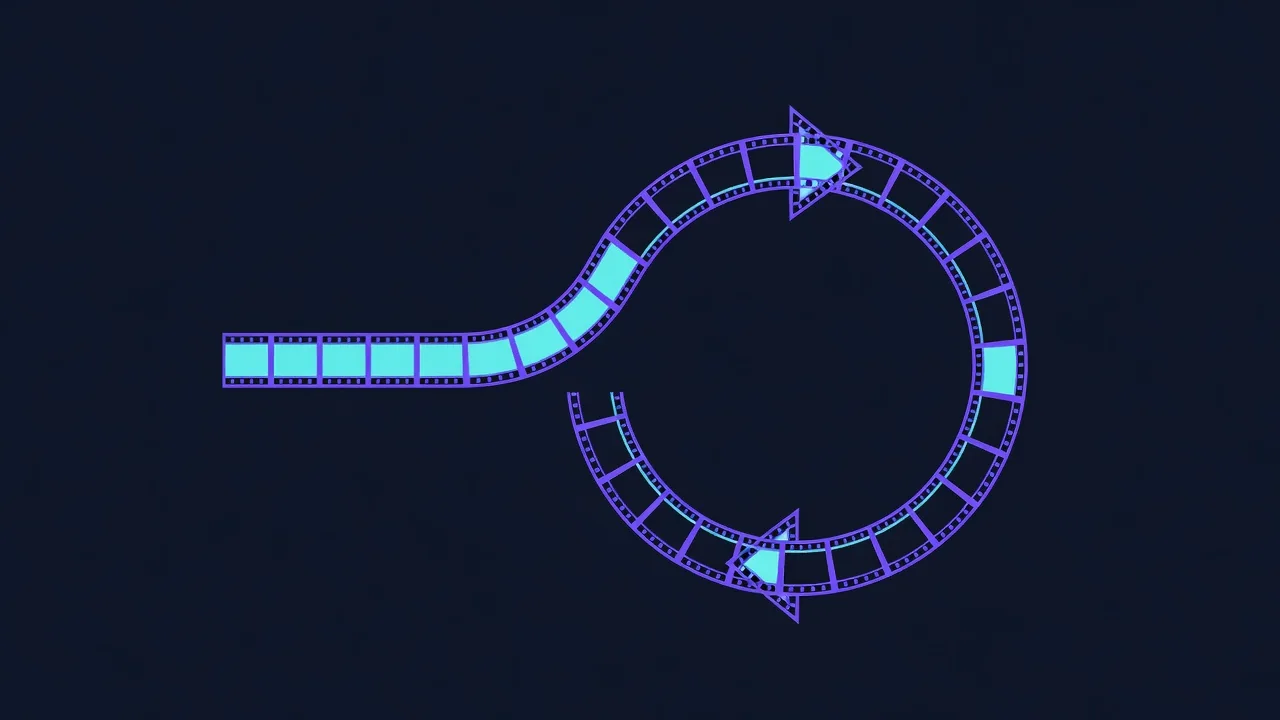
Cinemagraphs: The Moving Still Photo Nobody Uses Enough
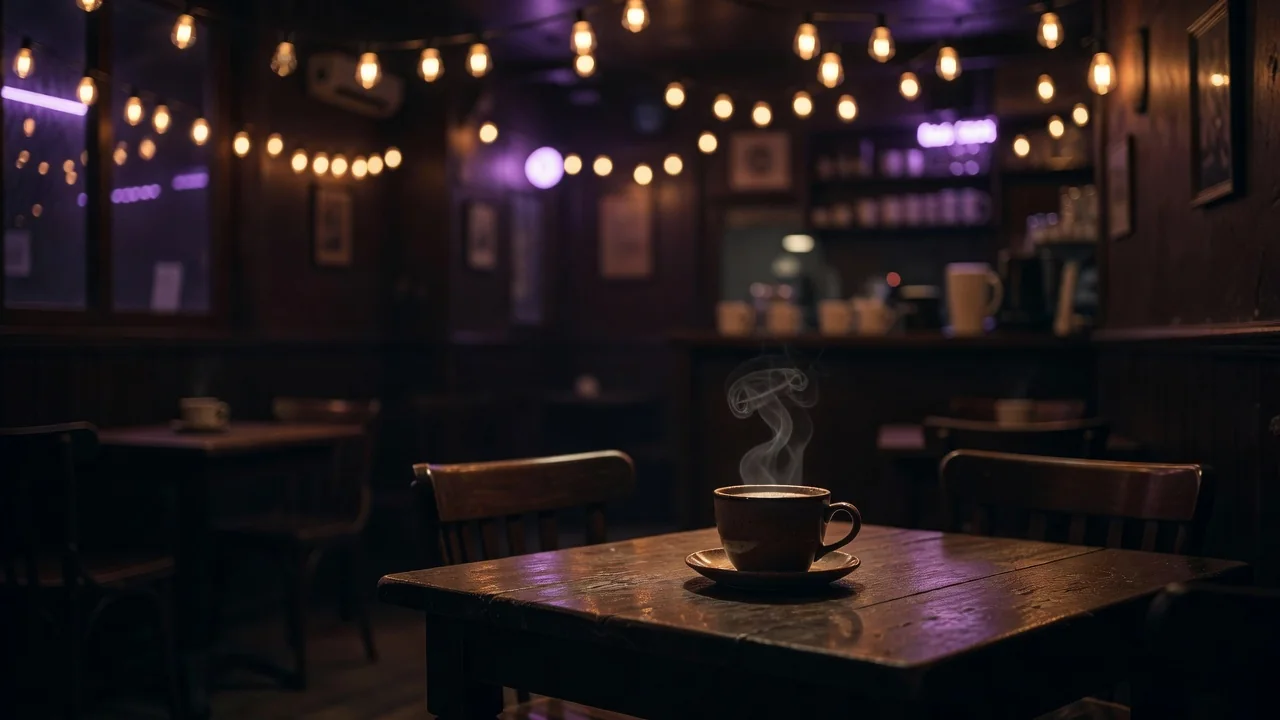
A candle flame flickers while everything around it holds perfectly still. Hair moves in wind that never touches the frozen street behind it. The cinemagraph, a photograph with one isolated element in endless motion, sits exactly between still image and video, and fifteen years after Jamie Beck and Kevin Burg coined the term with their 2011 fashion week work, it remains the most underused format in web design.
The reason is partly technical snobbery: a good cinemagraph is harder to make than a good GIF, and the tools for masking motion used to require After Effects. In 2026 that excuse is gone. Phone apps and a handful of desktop tools make the core technique, shoot steady, mask one region, loop it seamlessly, accessible to anyone willing to use a tripod.
The anatomy of a working cinemagraph
Every successful example obeys one rule: the still part must be genuinely still, and the moving part must loop without a visible seam. That combination demands a locked camera, a subject with periodic motion, and light that does not drift. Steam, liquid, fabric, flags, fire, and escalators are the classic subjects because their motion repeats naturally. A person blinking works; a person walking does not, because walking does not return to its start state.
Shooting for the format
Record video, never burst photos: you need 60–120 continuous frames minimum, and 10–15 seconds of source gives room to find a clean loop point. Mount the phone or camera, lock exposure and focus, and keep the frame for the full take. The most common failure is micro-drift from handheld shooting, which no stabilization fully repairs once you mask a region, because the still part will breathe against the frozen pixels around it.
Masking and the loop seam
The edit is two decisions. First, the mask: feather the boundary of the moving region generously, 20–40 pixels, so compression artifacts do not draw a hard edge. Second, the loop: a straight cut works only if first and last frames match, which they rarely do. The standard fix is a ping-pong loop, playing forward then backward, or a crossfade loop where the end dissolves into the start over 5–10 frames. Ping-pong suits oscillating motion like swinging fabric; crossfade suits flows like steam and water.
- Tripod or solid surface, no exceptions
- Lock exposure, focus, and white balance before recording
- Capture 10+ seconds to hunt for the cleanest loop window
- Feather masks wide; hard edges betray the trick immediately
- Export as video or WebP for the web, GIF only where images are mandatory
| Tool | Platform | Masking quality | Cost |
|---|---|---|---|
| CapCut | phone, desktop | brush mask, adequate | free tier usable |
| Photoshop (video timeline) | desktop | full control, frame-accurate | subscription |
| After Effects | desktop | best, rotoscoping if needed | subscription |
| FFmpeg + mask filter | all | geometric masks only | free |
| Flixel-style mobile apps | phone | finger-paint mask, fast | freemium |
Where cinemagraphs earn their keep
Hero sections are the natural home: a moving-still header draws the eye without the aggression of autoplay video, and at 400–800 KB as WebP it costs less than the JavaScript on most landing pages. E-commerce uses them for product detail, a watch with a sweeping second hand, a jacket with rippling fabric. Email is the outlier: there, GIF export is mandatory and the format's 256-color limit punishes photographic content, so keep email cinemagraphs dark, textured, and small.
The aesthetic argument
Video demands attention; a cinemagraph rewards it. The stillness does the compositional work of a photograph while the single motion supplies the only narrative, and that restraint is precisely why the format survives every redesign cycle. In an interface era that autoplays everything, one moving candle in a frozen room still stops the scroll.