How GIF Compression Really Works in 2026
In the pixelated world of 2026, the humble GIF refuses to die. Despite being invented in 1987, its compression scheme still powers reaction memes, loading indicators, and short looping animations across every social platform. Understanding exactly how its internals work reveals both its surprising cleverness and its stubborn limitations.
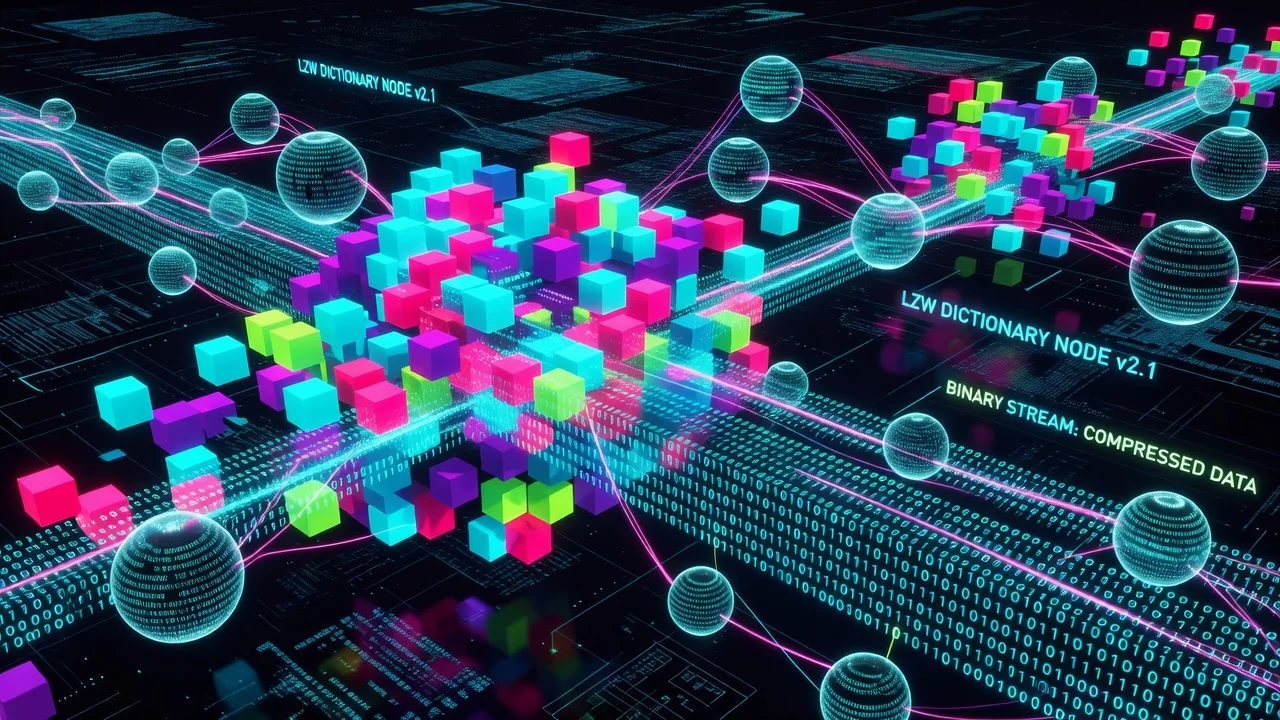
The core of GIF compression is the LZW algorithm, a dictionary-based method that builds a code table dynamically while scanning the image data. Instead of storing repeated pixel sequences over and over, LZW replaces them with shorter codes that reference earlier parts of the dictionary. This works especially well on images with large areas of flat color, which is why classic 8-bit GIFs compress so efficiently.
LZW in Practice: The Dictionary Dance
During encoding, the LZW compressor starts with a clear code and builds strings of pixels. When it encounters a sequence it hasn’t seen before, it adds that sequence to the dictionary and outputs the code for the previous known string. The dictionary grows from 256 entries up to 4096 before it must be reset. In 2026, tools like Gifski and the latest ImageOptim use adaptive reset strategies that clear the dictionary earlier when compression efficiency drops, shaving off extra bytes without visible quality loss.
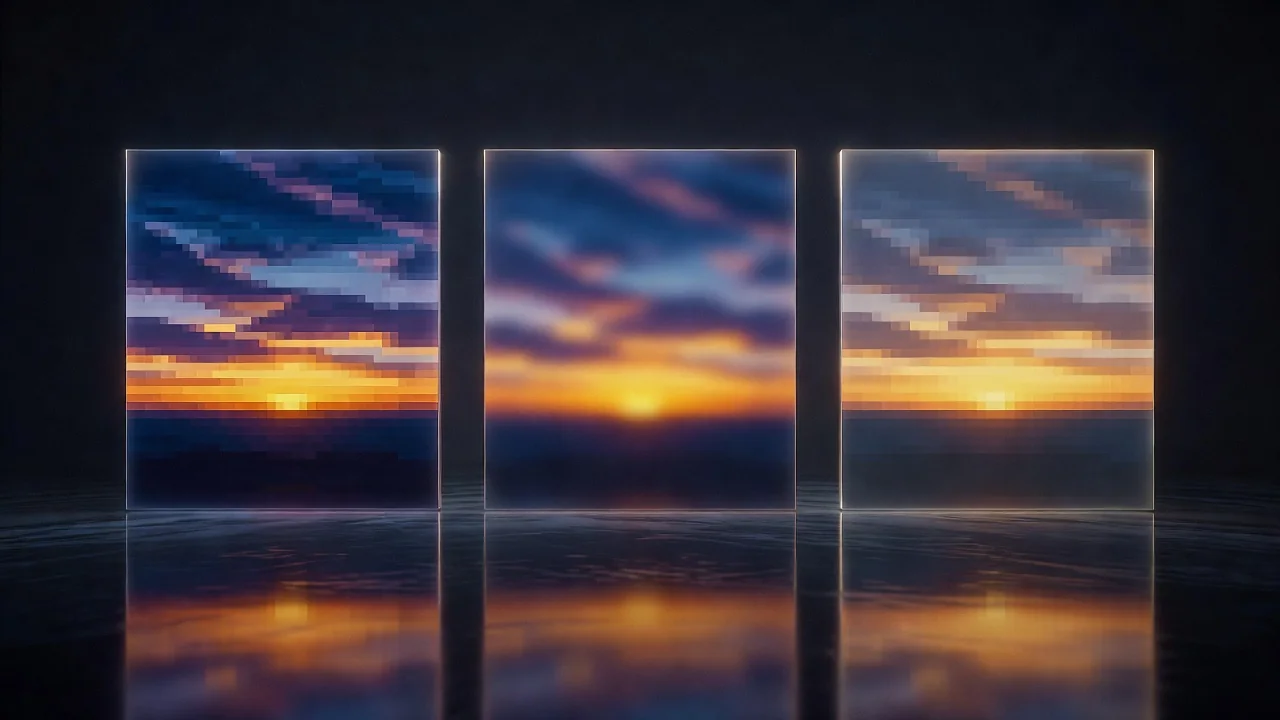
Color quantization remains the first and most critical decision. Modern 2026 optimizers run multiple octree or k-means passes, then apply temporal dithering across frames to reduce banding while keeping the global palette under 256 colors. The resulting color table is stored once at the file header and reused, or occasionally updated per frame in advanced multi-palette GIFs.
Frame Disposal and Temporal Optimization
GIF animation relies on frame disposal methods that tell the decoder what to do with the previous frame: leave it, restore to background, or restore to previous. In 2026, smart encoders analyze motion vectors to choose the minimal disposal method and crop each frame to its changed bounding box. This dramatically reduces file size compared to the naive approach of storing full frames.
Here’s how the major disposal methods compare in practice:
| Disposal Method | Use Case | Typical Size Impact |
|---|---|---|
| None | Overlapping elements | +35% larger |
| Background | Clean backgrounds | Baseline |
| Previous | Complex motion | -18% smaller |
- Palette reordering to group similar colors improves LZW hit rate
- Interlacing adds 10-15% overhead but enables progressive display
- Lossy LZW pre-filtering removes single-pixel noise before compression
- Frame blending with 1-2% opacity can dramatically improve compression on gradients
How GIF Stacks Up Against WebP and AV1 in 2026
Even with every modern trick applied, GIF remains constrained by its 8-bit palette and per-frame overhead. A 10-second 640×360 animation that weighs 1.8 MB as an optimized GIF can drop to 280 KB as an animated WebP using VP8 compression and 4:2:0 chroma subsampling. AV1 video wrapped in a looping MP4 goes even further, often under 120 KB, thanks to inter-frame prediction, larger color depth, and sophisticated entropy coding.
Yet GIF survives because its decoding is trivial, requires no licensing, and enjoys universal support. In 2026 the format has become a deliberate stylistic choice rather than a technical necessity. Designers reach for GIF when they want that specific crunchy, limited-palette aesthetic that neither WebP nor AV1 can replicate without heavy post-processing filters.
The real lesson of GIF compression in 2026 is not that the algorithm is perfect, but that its constraints force creativity. Understanding LZW dictionary growth, color table management, and disposal methods lets artists squeeze maximum personality into the smallest possible file while accepting the format for what it is: a charming antique that still refuses to retire.